

WHAT IS INFORMATION GRAPHIC?
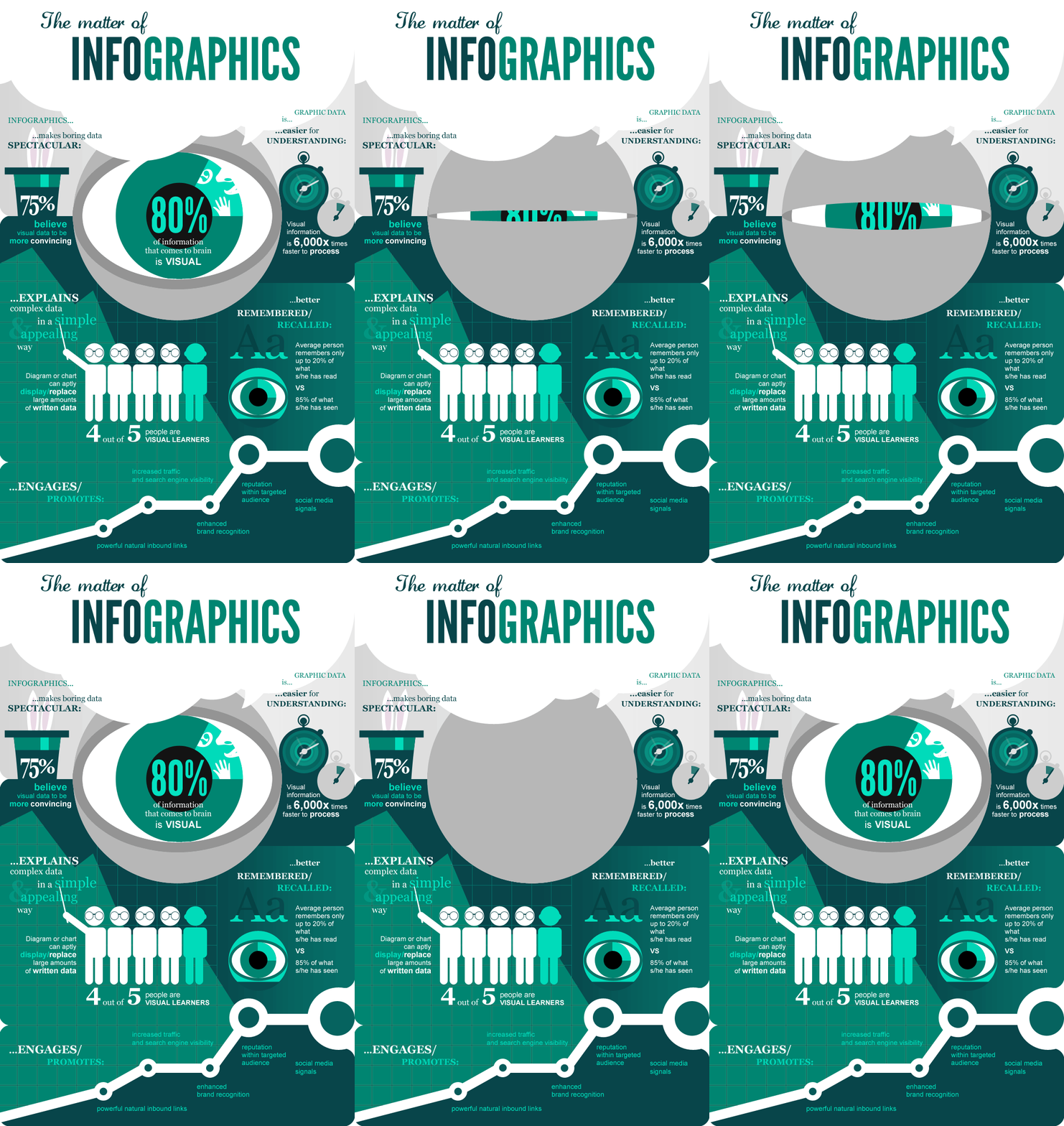
- Information Graphic or "Infographic" used to represent information, statistical data, or knowledge in a graphical manner usually done in a creative way to attract the viewer’s attention.
CREATE AN AWESOME INFOGRAPHICS WITH THESE FOUR SIMPLE STEPS:
- Change the images.
- Change the fonts.
- Change the background.
- Change the colors. Change the color of your text boxes and text to add extra flair.
WHAT IS PIKTOCHART?
-Piktochart is a web-based infographic application which allows users without intensive experience as graphic designers to easily create professional-grade infographics using themed templates.

CREATING INFOGRAPHICS USING PIKTOCHART:
1.
Create a Piktochart
account by going to www.piktochart.com and
click sign up on the upper right corner of the page.
2.
Fill up the information on the Sign Up page; alternatively, you can connect
with Google+ or Facebook.
3.
Once you have created an account and logged in, select a template for your
infographic.
4.
The Piktochart
editor will open. It is the center of the page that takes up the most space
(working area), and your editing tools can be found on the left.
Tools:
a. Graphics – allows you to insert lines, shapes,
icons, and even photos.
b. Uploads – allows you to upload images for your
infographic.
c. Background – changes the background of a selected
block.
d. Text – allows you to insert text to your
infographic with the option to add text frames.
e. Color Scheme – allows you to modify the color
scheme of your infographic
f. Tools – allows you to create charts, maps, and
videos.
5.
To save your work, click on save
on
the top right of the page. To save it in your computer, click on Download. In
the Download options, select the medium-sized and the PNG file type.


nice info! very useful post.keep it up and thanks for sharing!
ReplyDeleteAdding an infographic on article or a blog post helps the readers better understand the message the writer wants to convey.
ReplyDeleteI love checking out infographic articles!
ahh .. now i know how to do a infographics.. thanks
ReplyDeletethan you for the info's :)
ReplyDeleteGood job
ReplyDeleteNice info.
ReplyDeletethanks for the info. alam ko na kung pano gumamit niyan hahaha!!
ReplyDeletehahahaa!! nice one sis..
ReplyDeleteThe topic is well explained and precise. Well done.. Thanks for the info
ReplyDeleteGreat
ReplyDeletevery well.
ReplyDeletewow thanks
ReplyDeletehahha
ReplyDeletenayswan. useful and helpful!(:
ReplyDeleteits really nice,, and meaningful
ReplyDeletegood job. decent blog
ReplyDeleteblogs are not just for socializing with others, but it can also give us useful information like this.
ReplyDeletewow!! i'm interested
ReplyDeletehahaha
ReplyDeleteThanks for sharing this infos.. It helped me know what this article is all about.. And the steps on how to make it helps a lot
ReplyDeleteThe infographs helped a lot
ReplyDeleteThanks for sharing this info
ReplyDeletewonderful blog!!
ReplyDeletei liked the complete article.....great written, thanks for all the information you have provided.
oh! now i know now thanks
ReplyDeletegreat share!
ReplyDelete